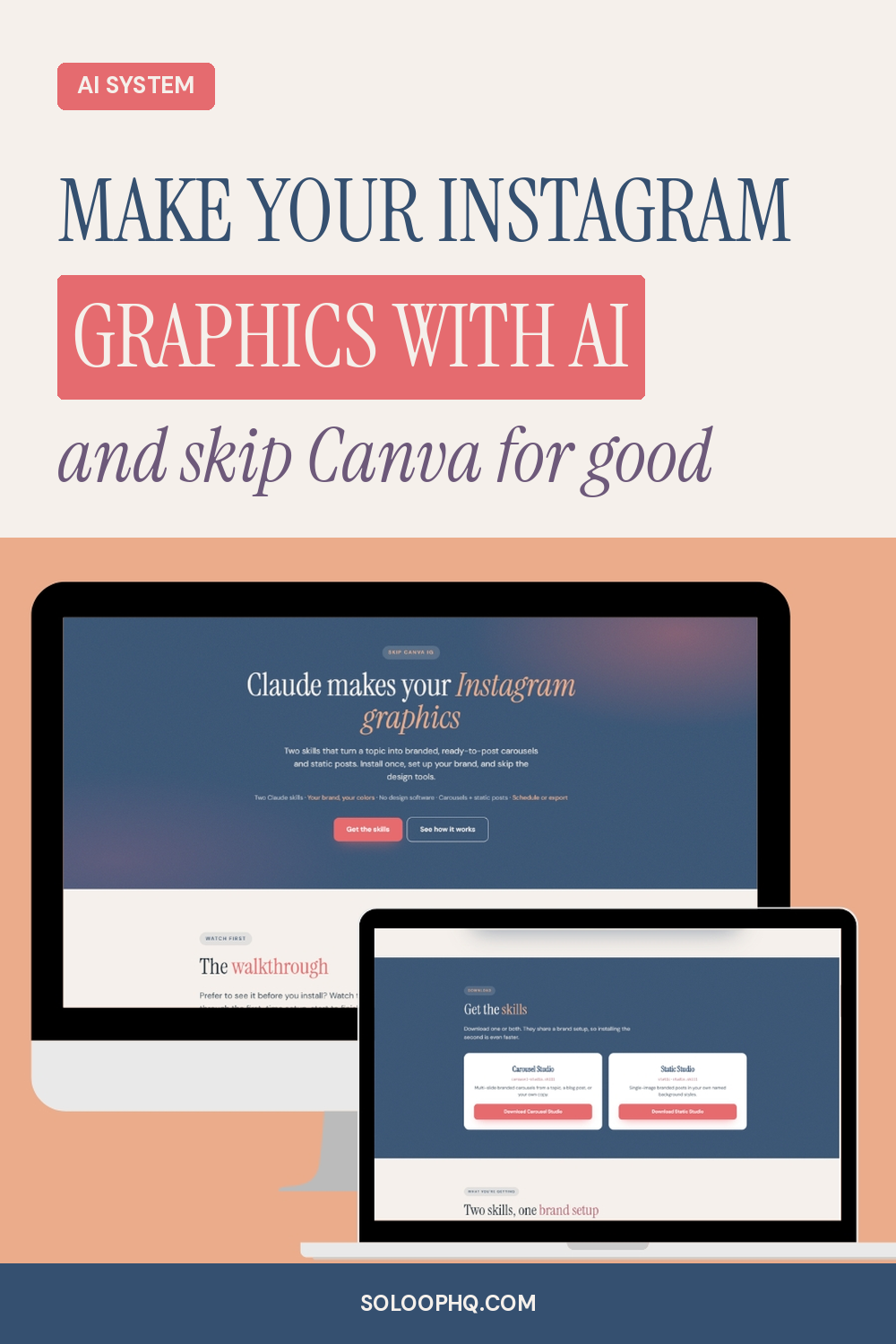
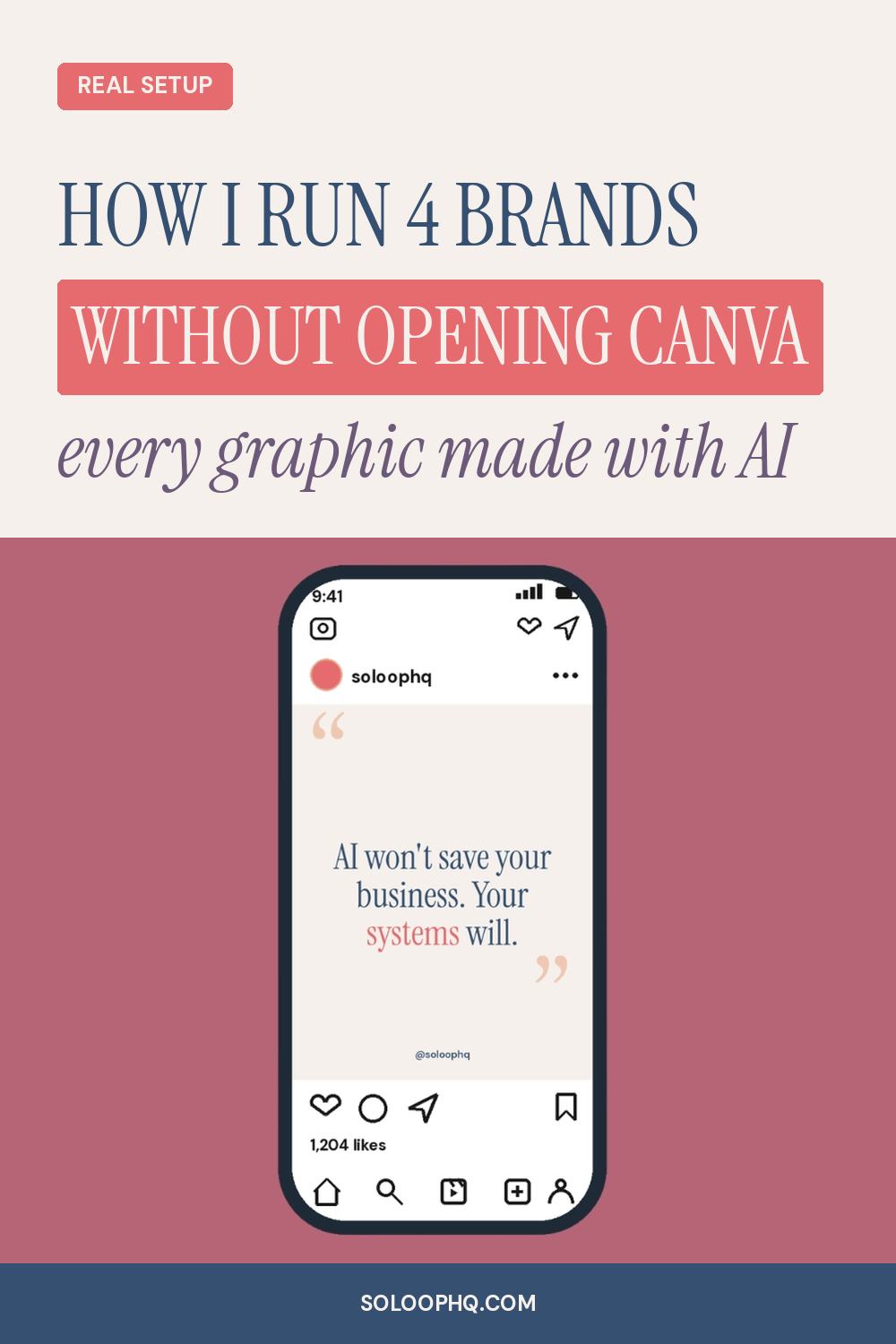
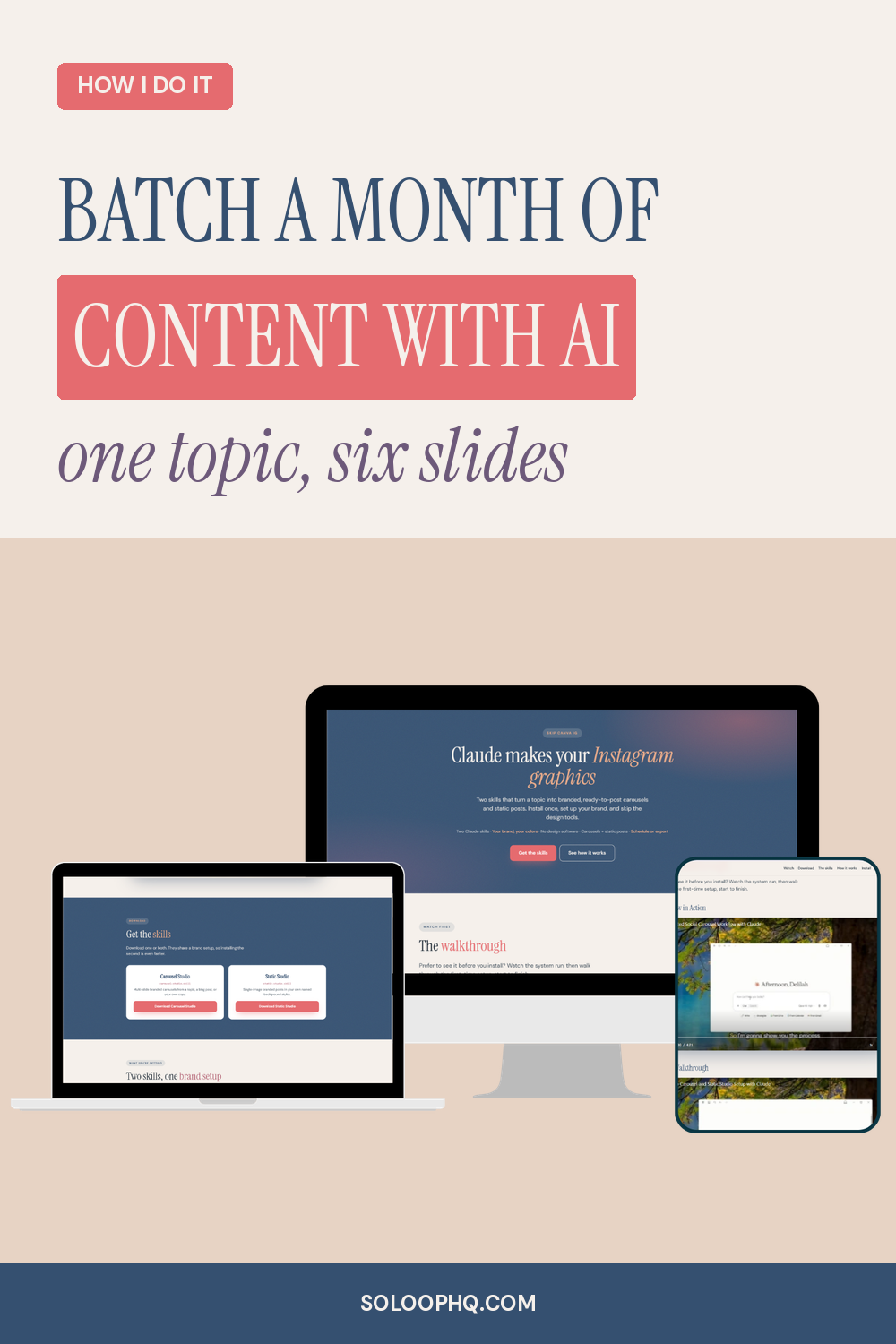
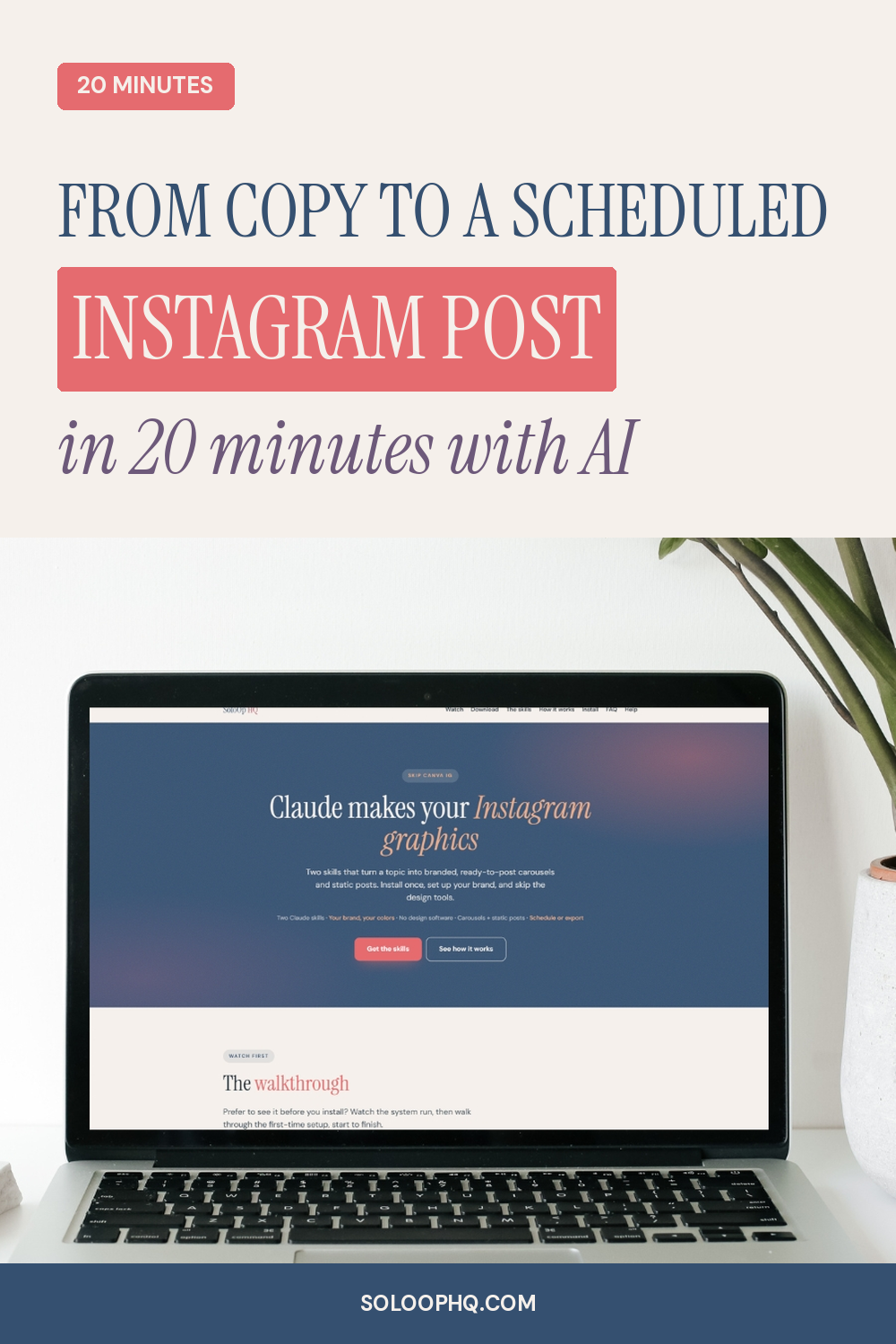
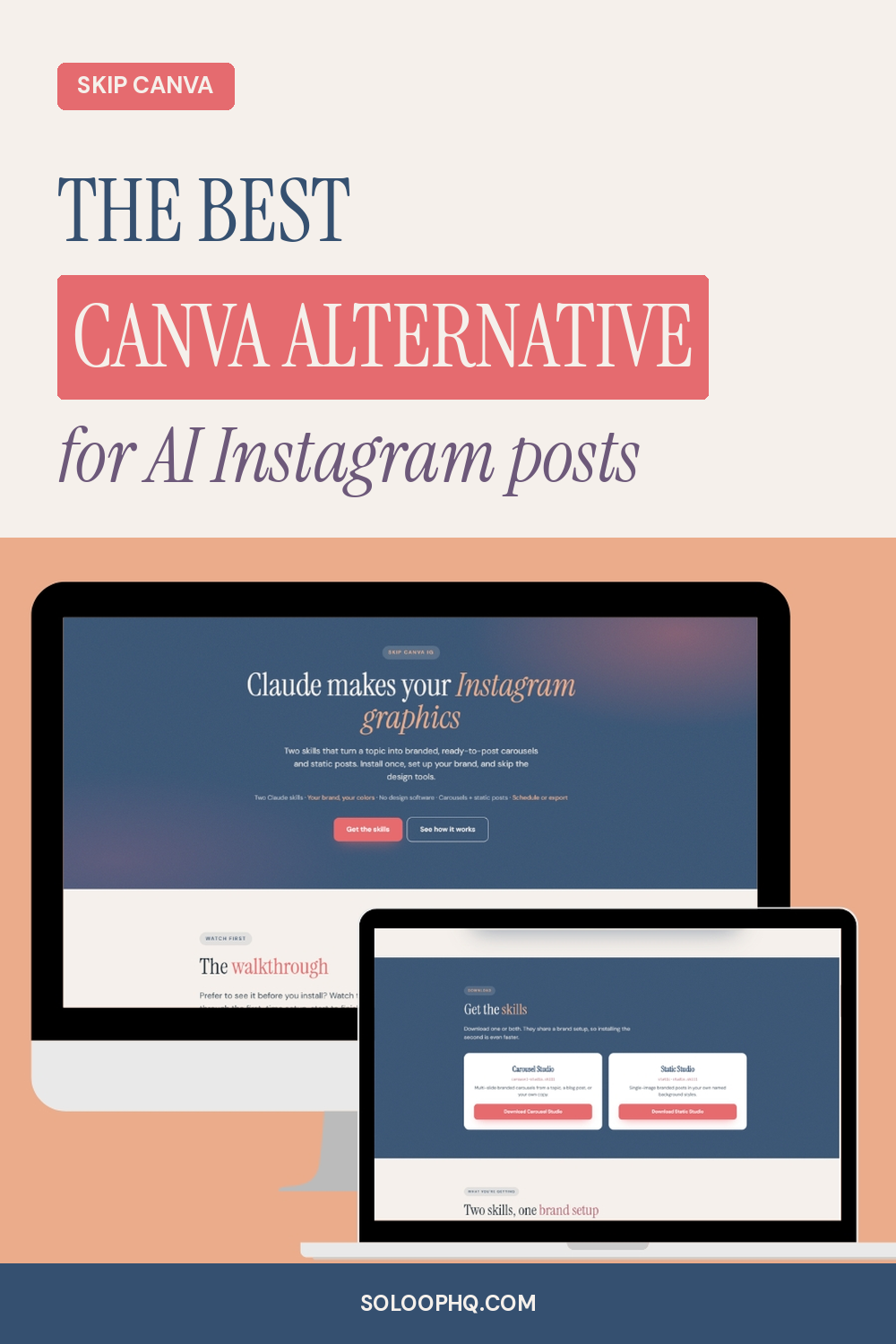
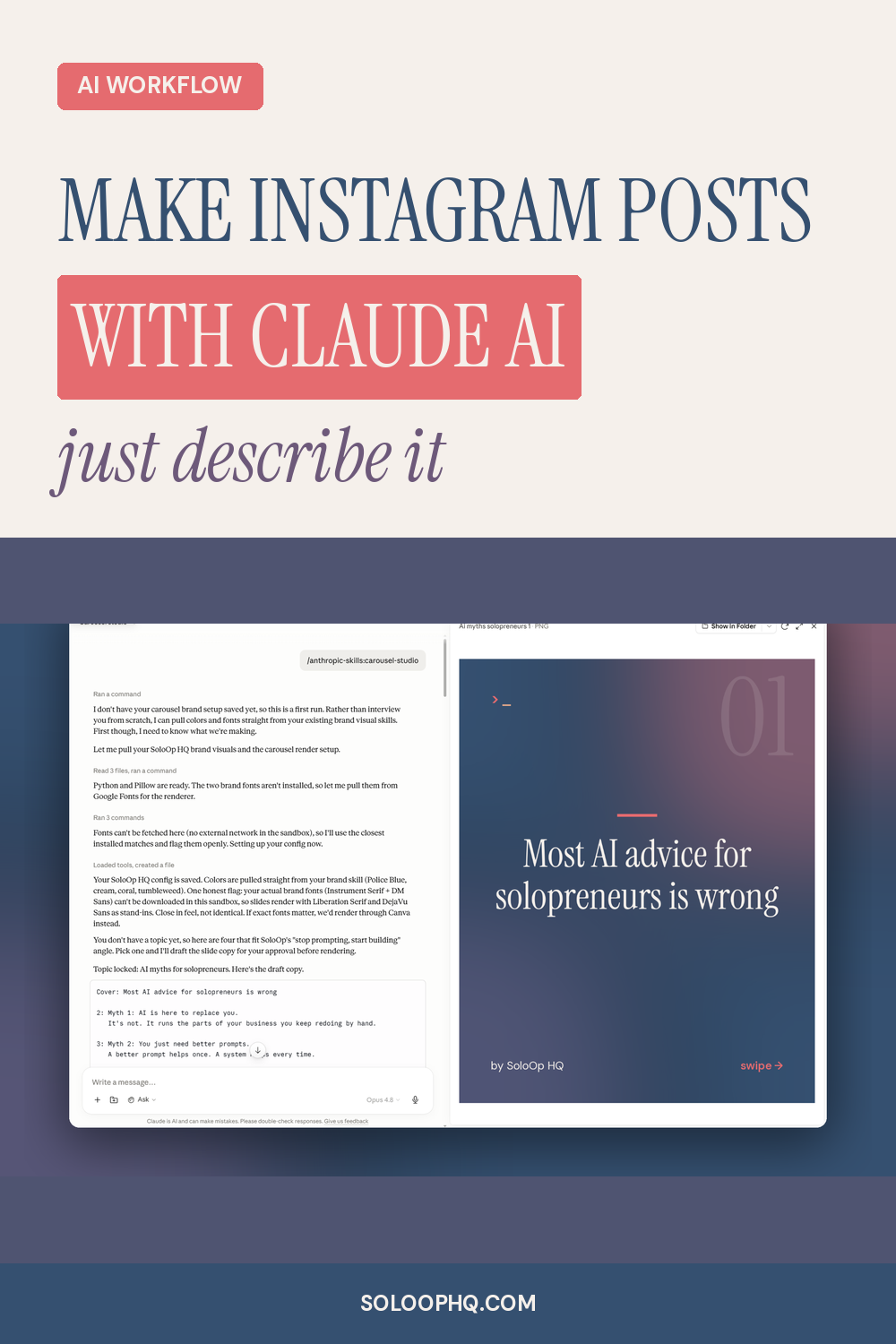
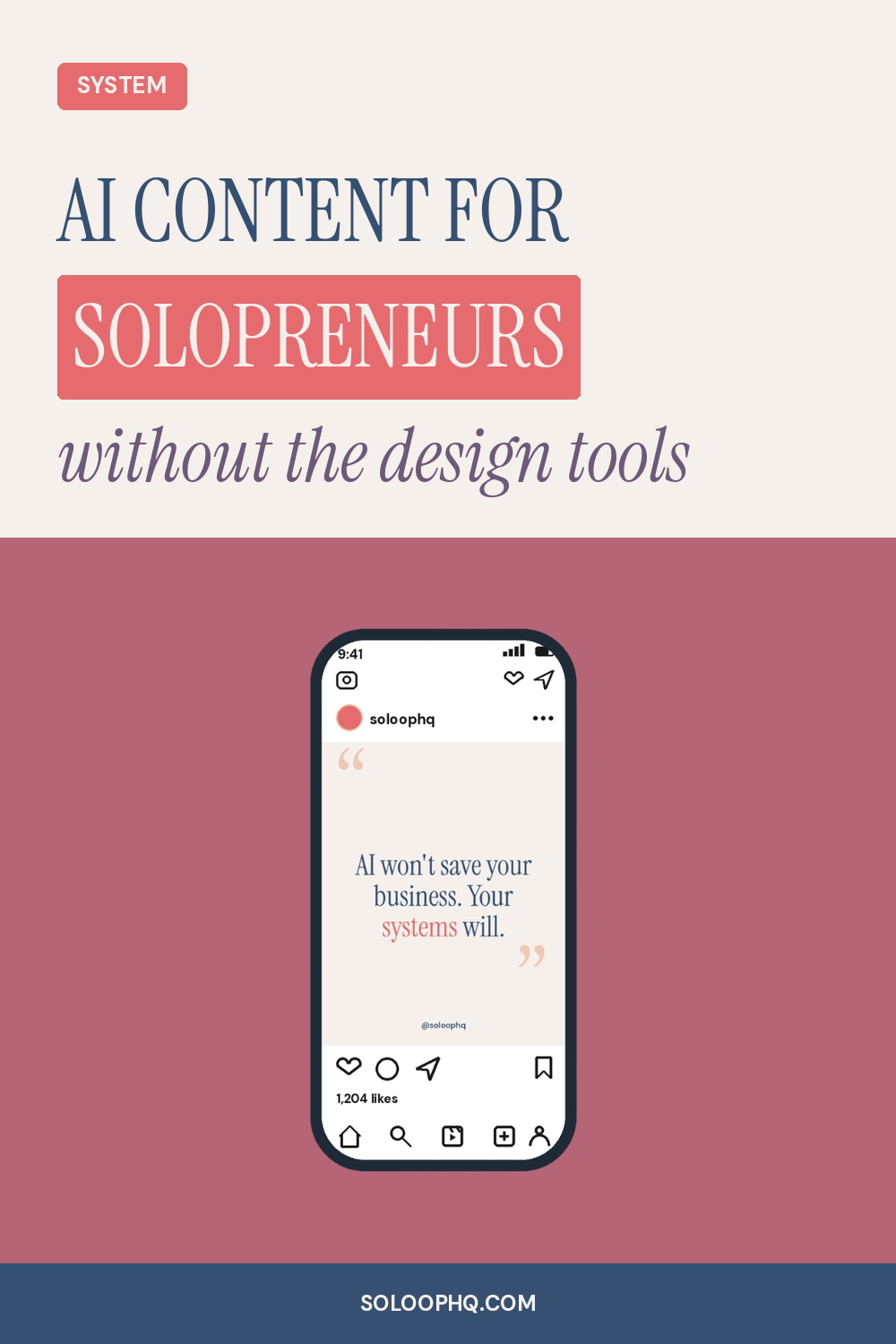
Give it any URL with content. It writes the titles and descriptions, designs the pins in your brand, and schedules them to Pinterest. You never open a design tool again.
One Claude skill · Your brand, your pins · No design software · 1000x1500 pins · Schedules to Pinterest
You publish a new post or page. Then you open Canva to make the pins. Find a template, drop in the photo, fix the fonts, write a title that might actually get clicks, export, upload, schedule.
Every post. Every time.
That's the gap. Skip Canva Pins closes it.
You hand it a URL, whether that's a blog post, a sales page, or your homepage. It reads the page, writes your Pinterest titles and descriptions with real keyword strategy, and renders branded pins from the photos you drop in. You approve them, and it schedules them to Pinterest through your scheduling tool.
Paste a link to any page with content, like a blog post, a sales page, or your homepage. Or hand it your own titles and descriptions. That's your only input.
Titles and descriptions in your voice, built on Pinterest keyword and title strategy. You approve every word before it renders.
1000x1500 PNGs in your exact colors and fonts, with your highlight bar and footer URL on every pin.
Straight to your boards through whatever scheduling tool you use. Or skip scheduling and take the files to pin yourself.
Everything you need to build it and run it. Set up once, then it's a link in and pins out.
The Claude skill that writes your pin copy and renders branded 1000x1500 pins from your photos. This is the core of the system.
The one file Claude reads to know your colors, fonts, footer URL, and highlight style. Fill it in once and every pin matches your brand.
Covers Python, the brand interview, connecting your scheduling tool, and your first run. Written for people who are not technical.
A screen recording of the whole pipeline running live, from a URL to scheduled pins. Watch it once, run it yourself.
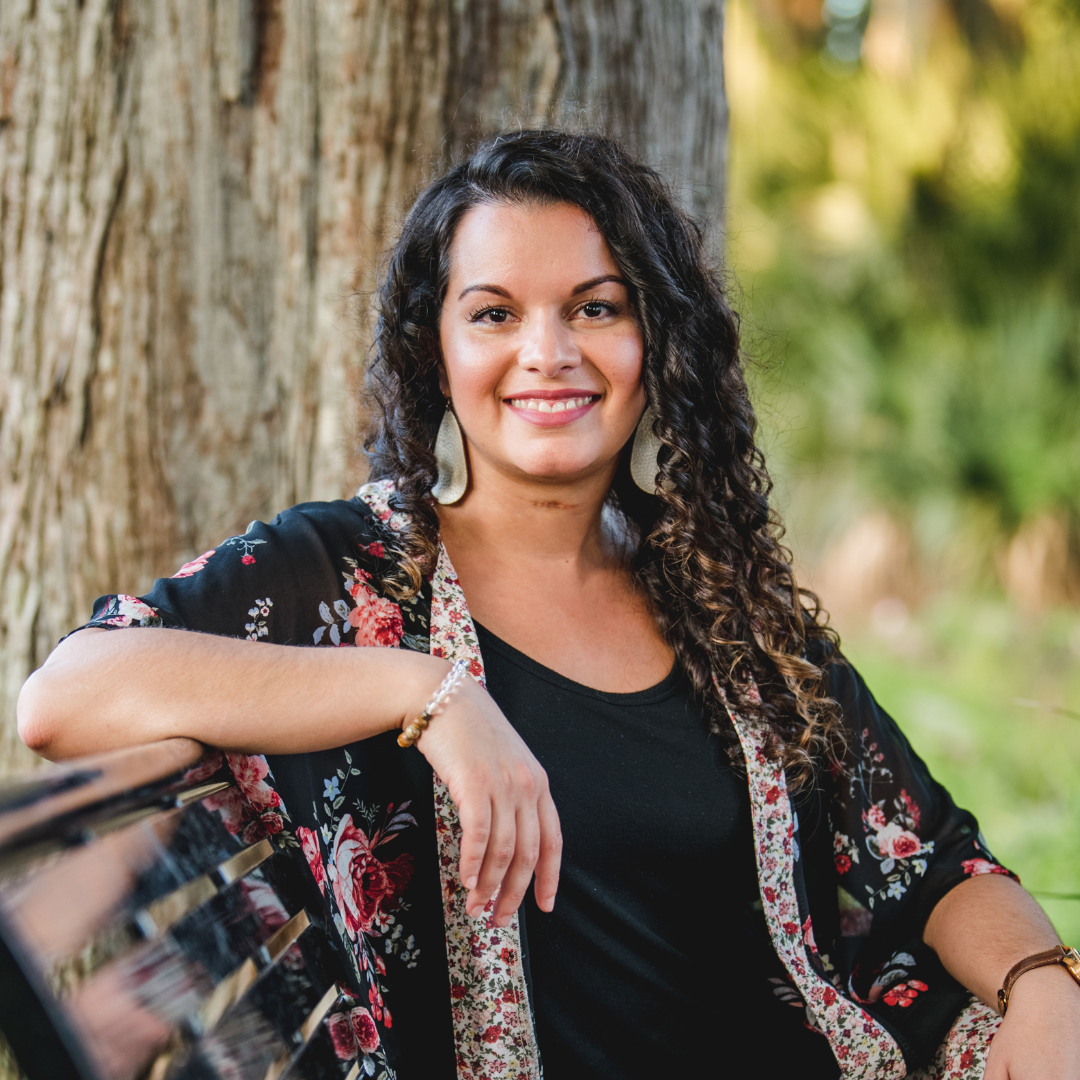
Delilah Orpi, founder of SoloOp HQ
I run four digital brands on my own, and I built every system in my business with AI. No team, no agency. I'm a former reading teacher who got tired of generic AI tips that fell apart the second you tried to use them in a real business.
So I started SoloOp HQ to show solopreneurs how to actually build the systems they need. Skip Canva Pins is one of them, the exact setup I use to make and schedule my own pins. If it saves me hours every week, it'll do the same for you.
Four brands, 70,000+ subscribers, every system built from scratch with AI.
Delilah, SoloOp HQ
One-time payment. Everything you need to build it and run it, yours to keep.
Skip Canva Pins
One-time payment. Instant access.
Pinterest still sends real traffic. The problem was never the strategy. It was sitting down to design pin after pin every time you publish.
Skip Canva Pins hands that whole step to Claude. You give it the post, it writes the copy and renders the pins in your brand, and schedules them for you.
$27 founding price. No deadline, but it won't stay here.